Move the same music again and again.
Storage and transfer time are repeated while every device ends up with a different library.
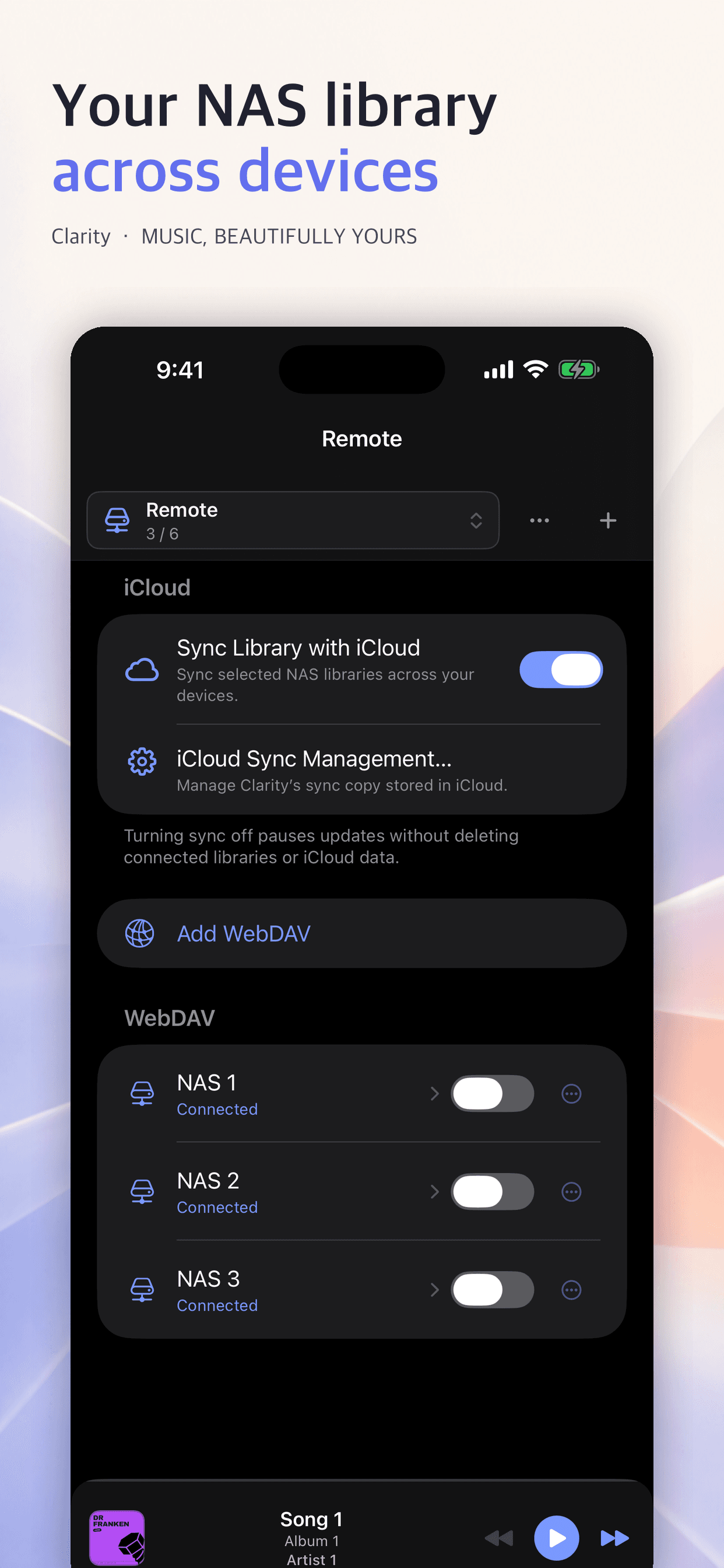
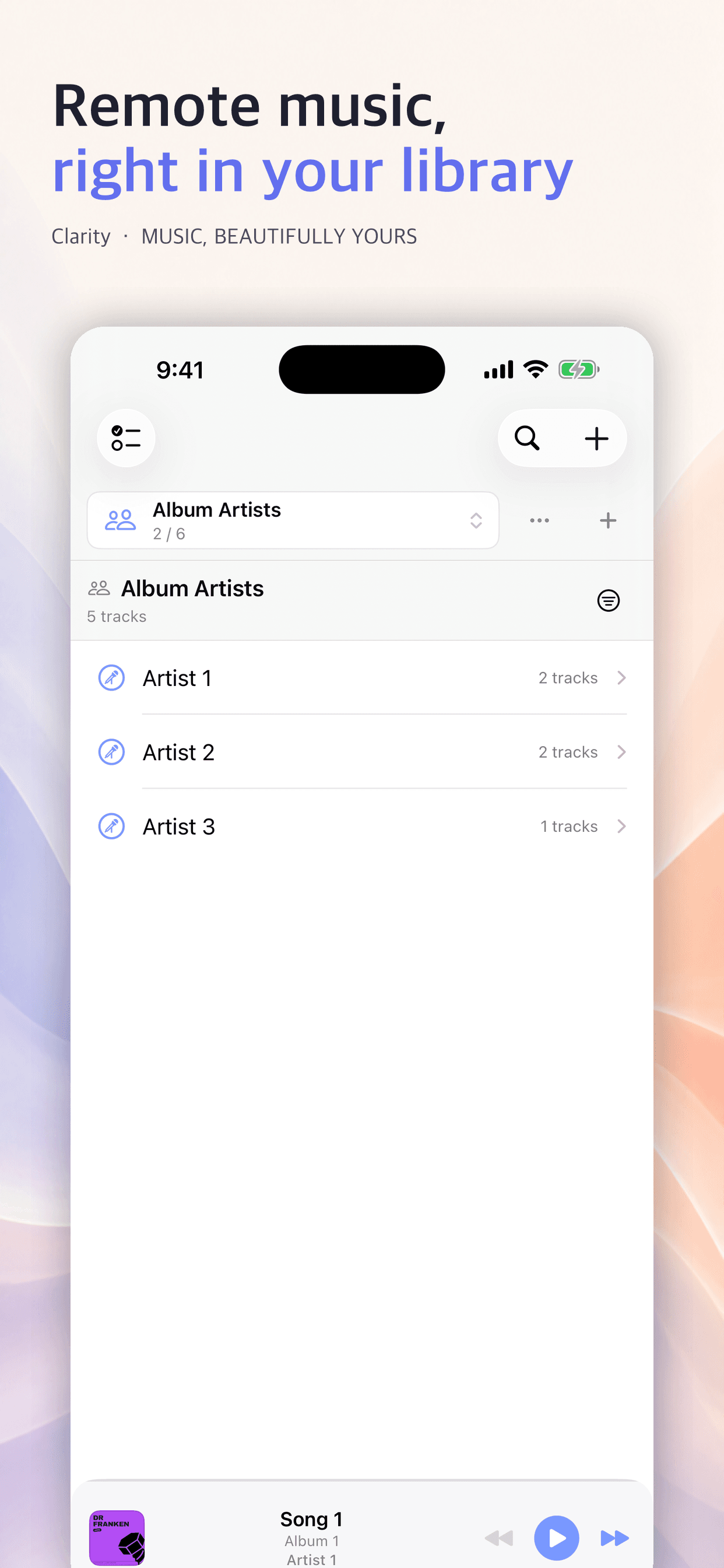
Connect WebDAV and local audio in one library, then stream and cache only what you need. Enjoy the same music through an interface shaped for iPhone, iPad, and Mac.
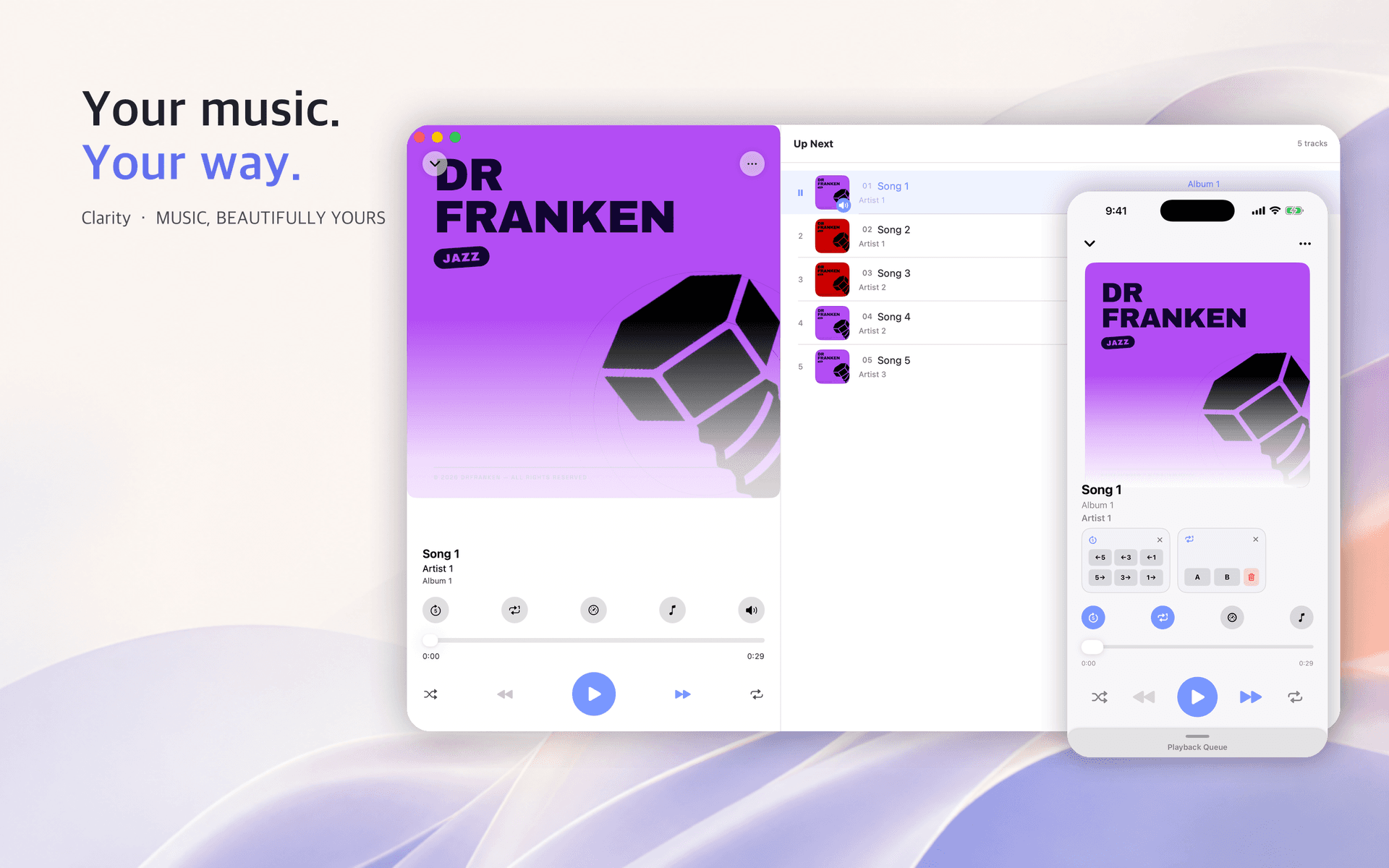
You choose where the files live. Clarity brings in only what listening needs and handles NAS and local audio in one flow.
Storage and transfer time are repeated while every device ends up with a different library.
Keep metadata light, then stream and cache the actual audio only when playback begins.
Clarity does not copy the whole WebDAV server to your device. It reads the library structure and metadata first, then transfers and caches the track being played.
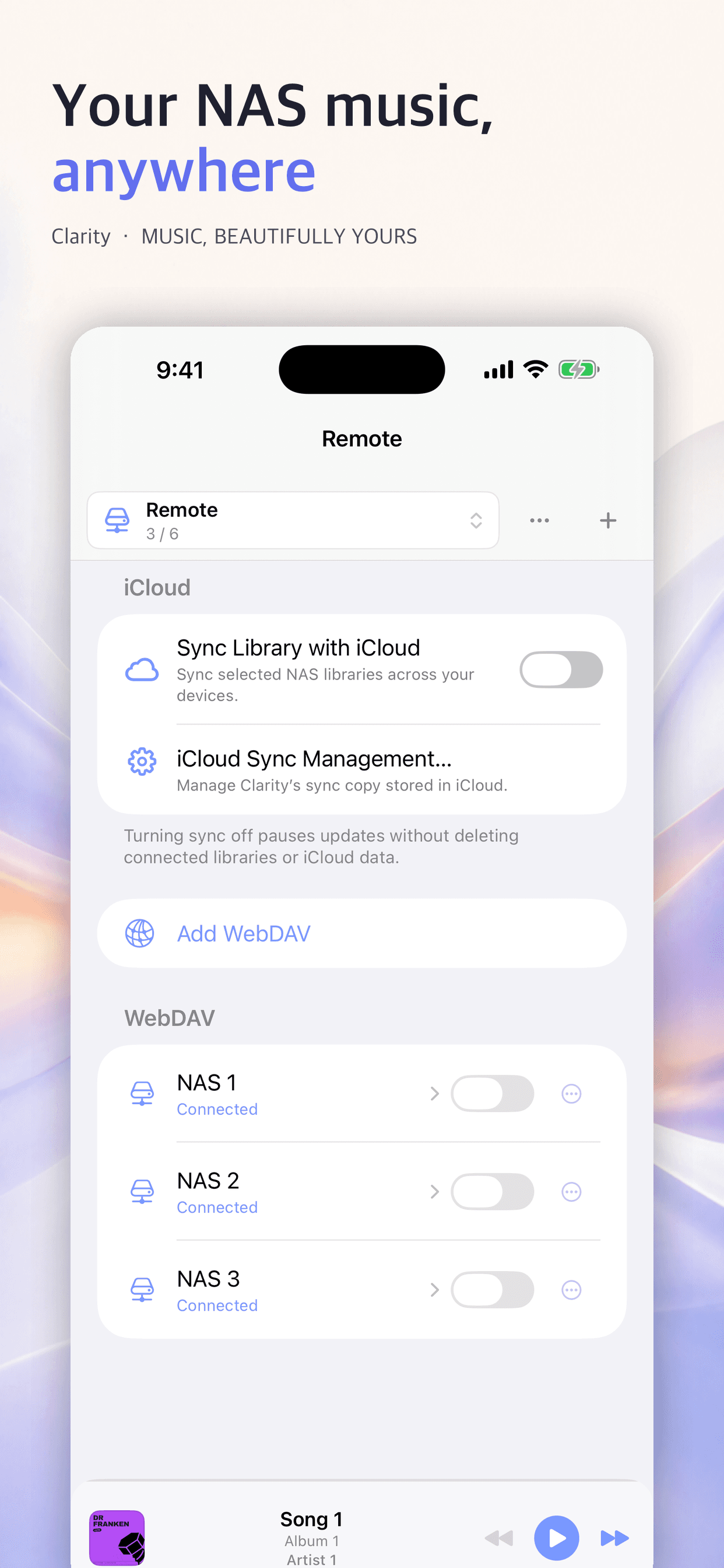
Fine playback control, library management, and multi-device access continue as one uninterrupted experience.
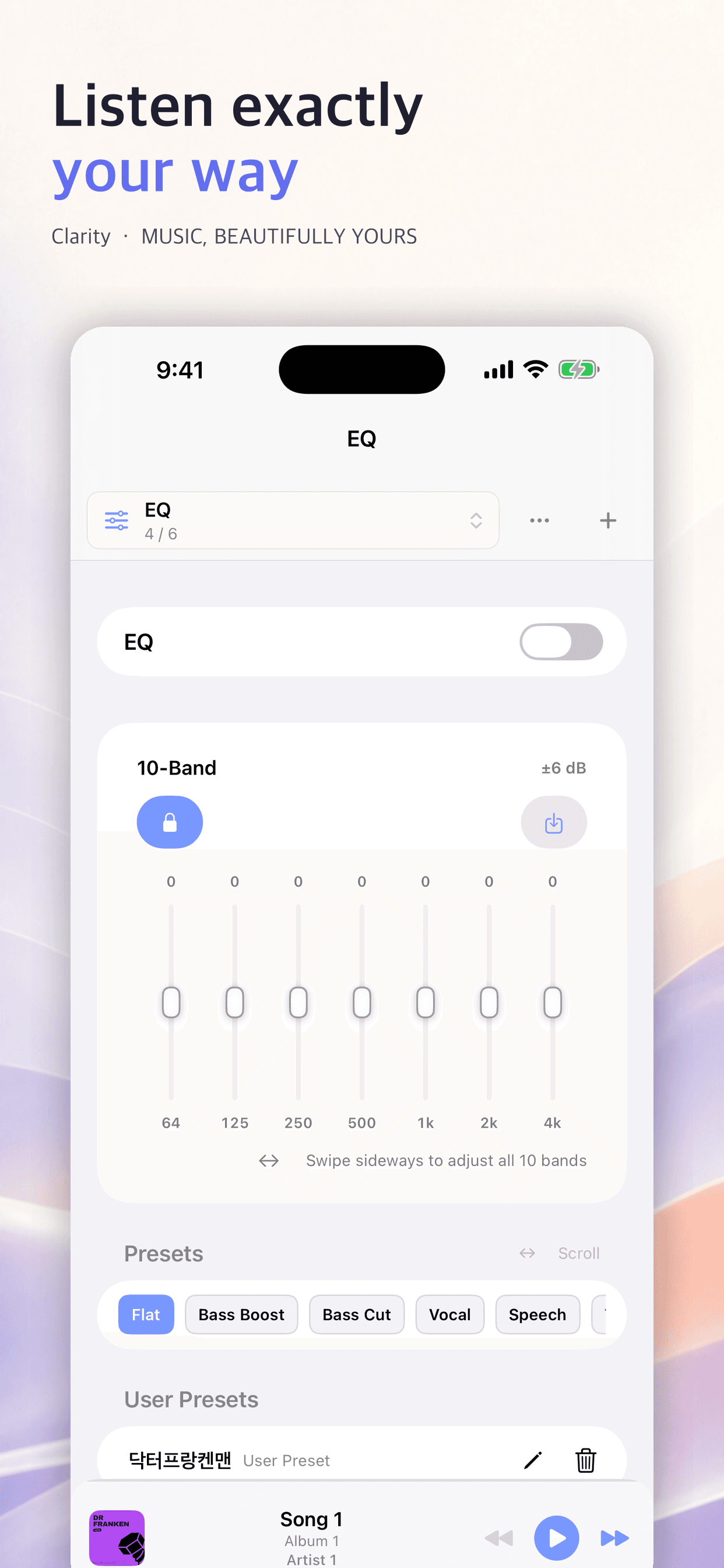
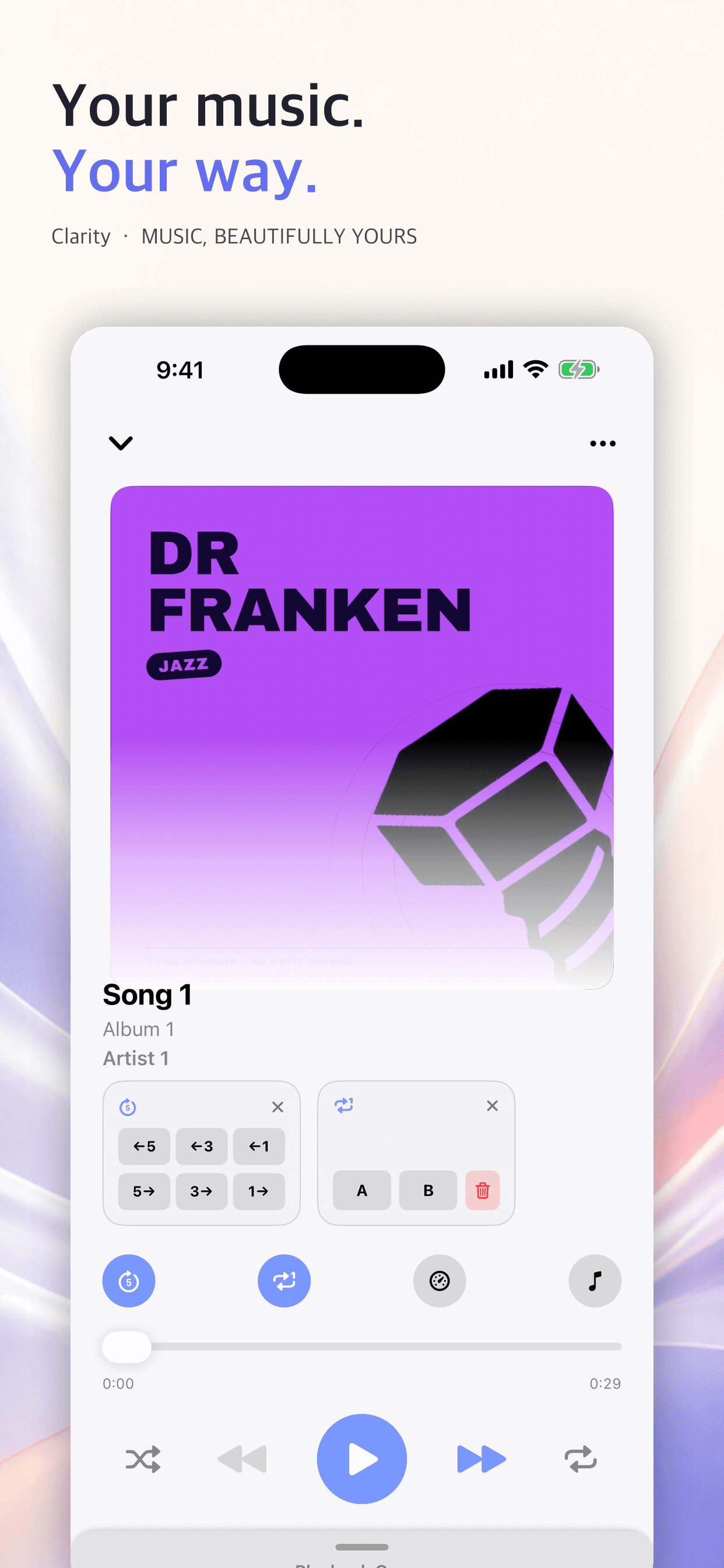
Use a 10-band EQ, presets, speed and pitch controls, A-B loops, and quick skips for listening, practice, or study.
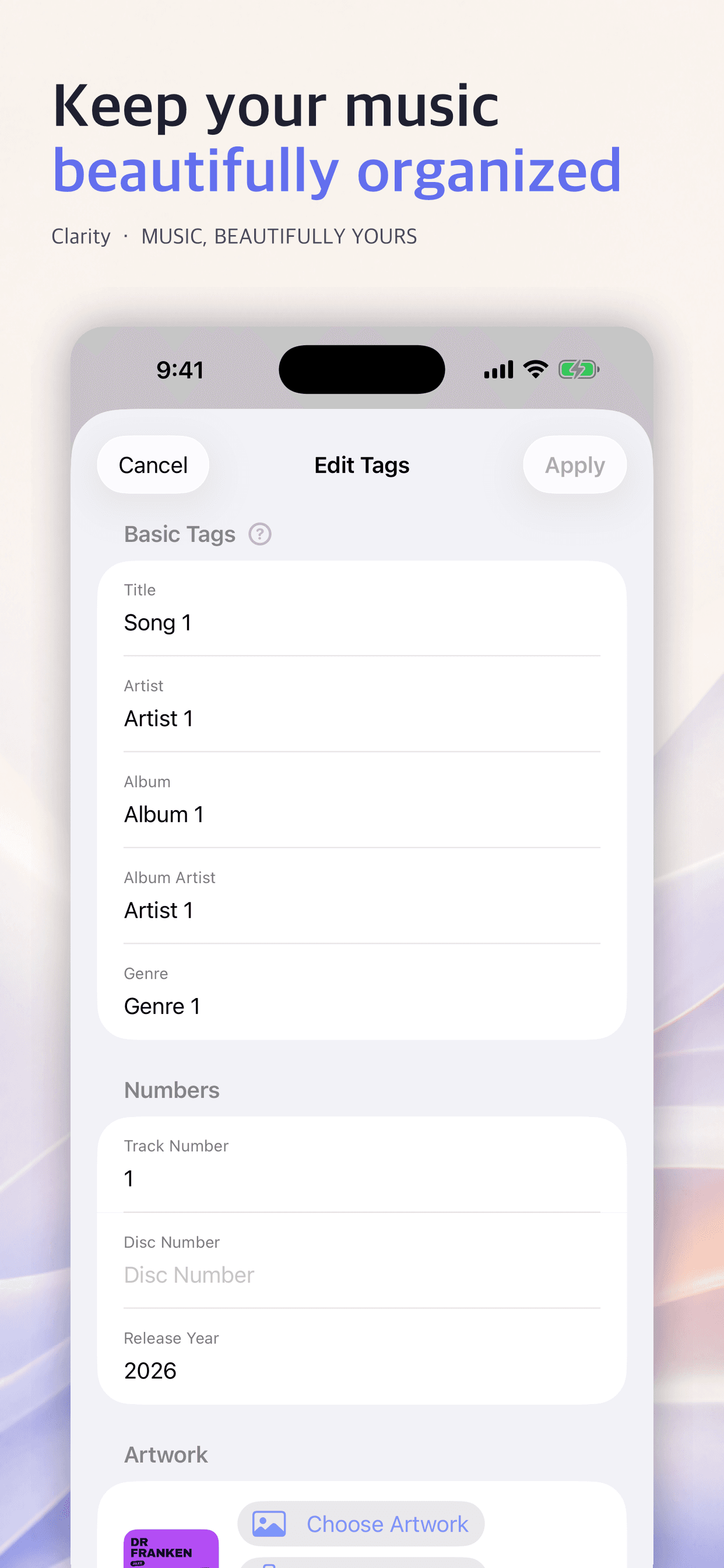
Review title, artist, album, genre, and artwork, then organize the display metadata for multiple tracks at once.
Browse the same remote library through interfaces adapted to the screen and interaction model of iPhone, iPad, and Mac.
From bringing files in to playing and organizing them, Clarity handles both server and local sources in one app.
Register multiple remote servers and manage connection and cache state by library.
Add music through Files import or a browser upload on the same Wi-Fi network.
Background playback, Control Center, shuffle, repeat, A-B loops, speed, pitch, and a 10-band EQ.
Review title, track number, release year, and more, then organize display information and artwork.
The layout is not simply stretched. Handheld controls, spacious sidebars, and a desktop workspace each receive their own information density and flow.
Clarity builds the library around the server and device you choose. It requires no service account and no upload to a separate cloud.
You do not need an account on a developer-operated server to use Clarity.
Server connection information and library data are managed on your device.
Storage follows what you actually listen to instead of copying the entire library.
The interface is available in Korean, English, and Japanese.
The developer cannot access your server credentials or music files.
CLARITY 1.2Bring personal server and local music into one clear library on iPhone, iPad, and Mac.
Download on the App StoreReview how Clarity handles data and the terms of use in your preferred language.