CodeContextPacker
Select the files you need.Copy them as one text.
Choose files from a project and combine them into one text document. Paste the copied result into a conversational AI to provide code context.
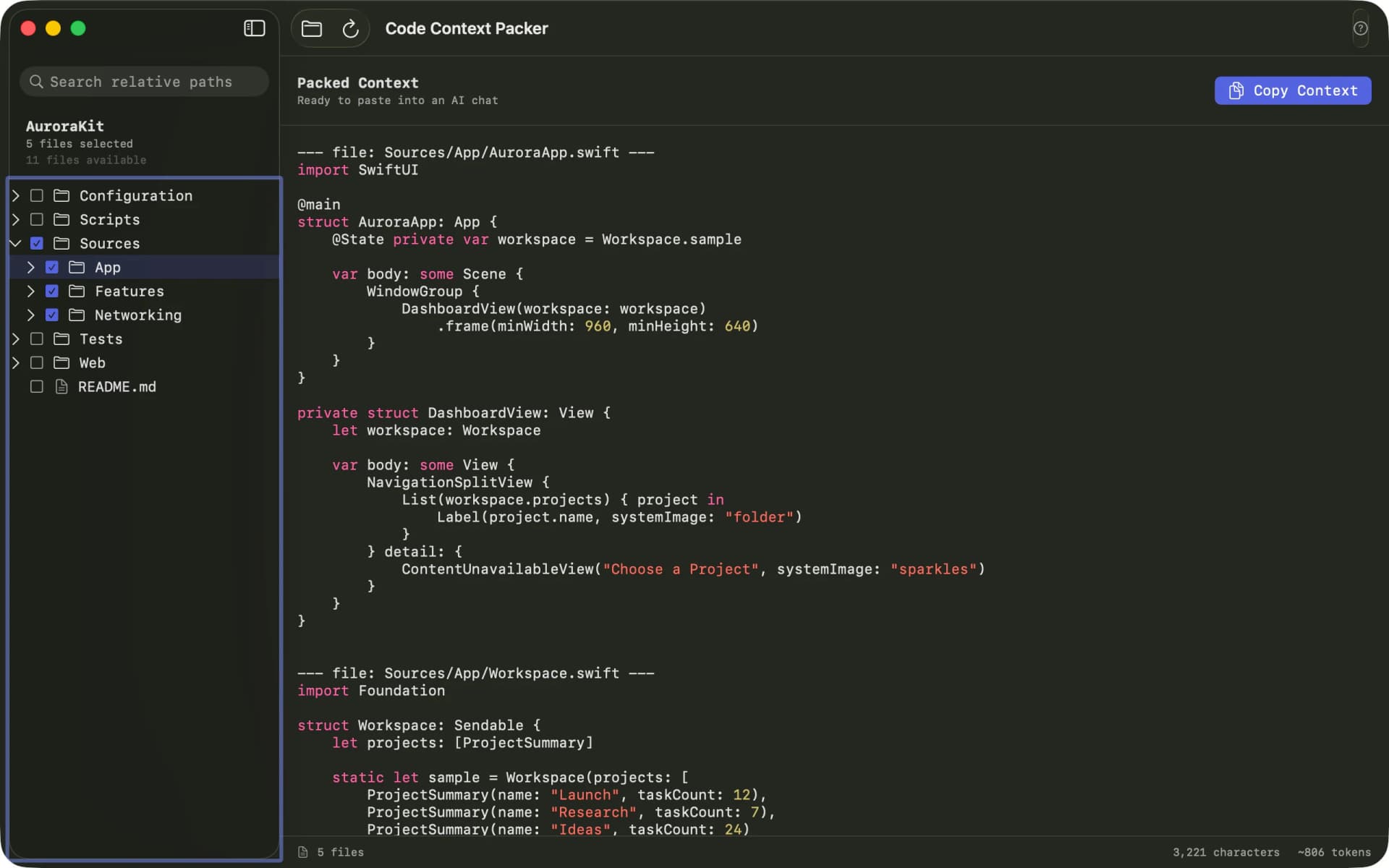
OPEN · SELECT · COPY
Select the files you need from the project folder.
CodeContextPacker has no AI features. You paste the generated text into a conversational AI yourself.
- 01Open a project folder and review its source structure.
- 02Search relative paths and include files or folders.
- 03Review the preview and copy the completed text.
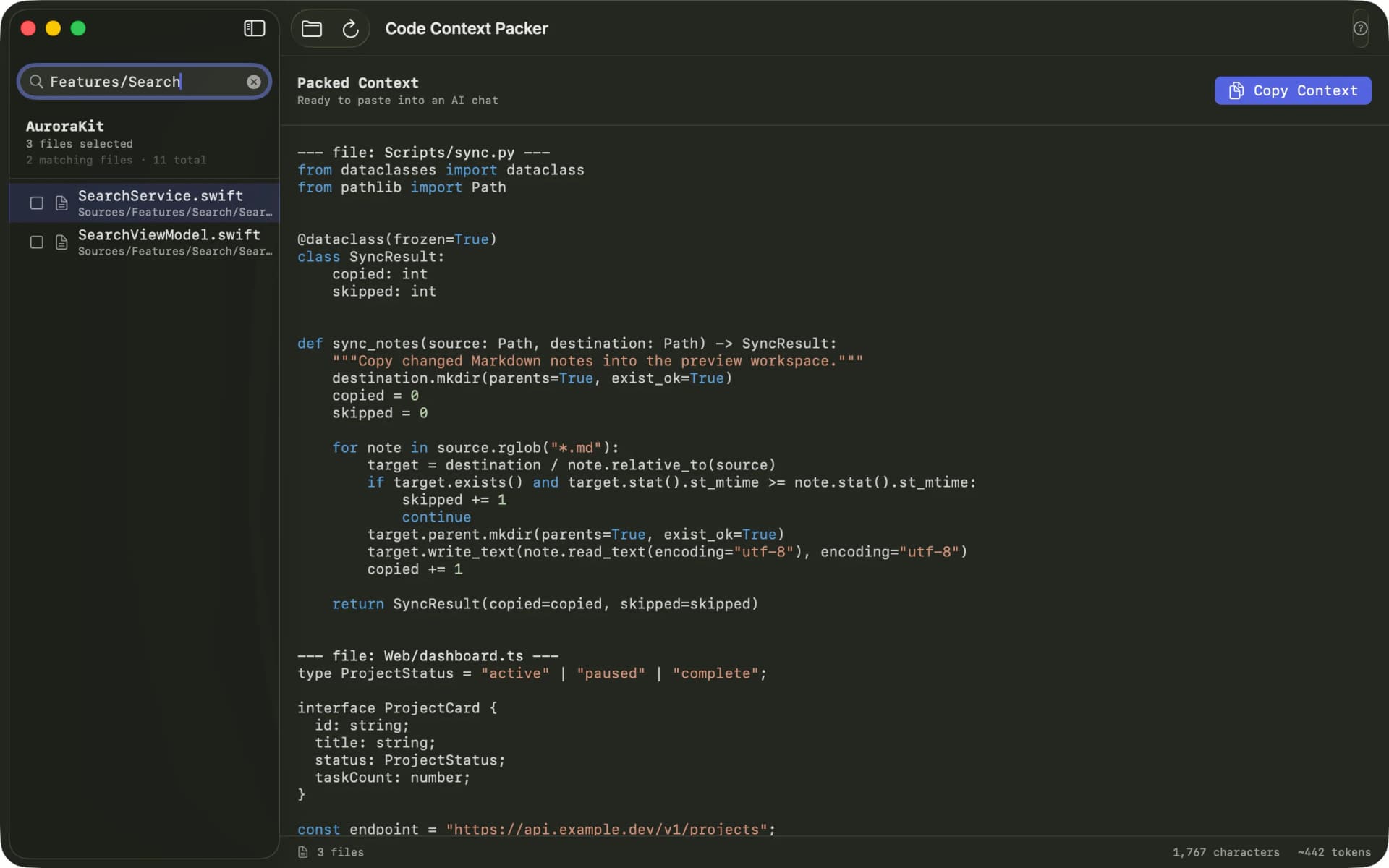
The result is one plain-text document.
The app adds each relative path before its source body and joins everything as one text. Review the preview, then copy the full result.
LOCAL BY DESIGN
Source code is processed on your Mac.
The app does not send source code to an external server or AI service while reading the project and building the text.
Selected folders are accessed read-only, and original files are never modified.
CODECONTEXTPACKERSend only the files a conversational AI needs.
A Mac app that combines selected files into one copyable text document.
Download on the Mac App StoreLEGAL & SUPPORT
Privacy, review material, and source
Review data handling, terms, sample material, and the public source repository.