Train with preset sounds.
Audio-first sessions for choosing intervals or chords and training through repetition.
Learn the foundations, train your ear, answer questions, play the ideas yourself, and build the practice your ear actually needs.
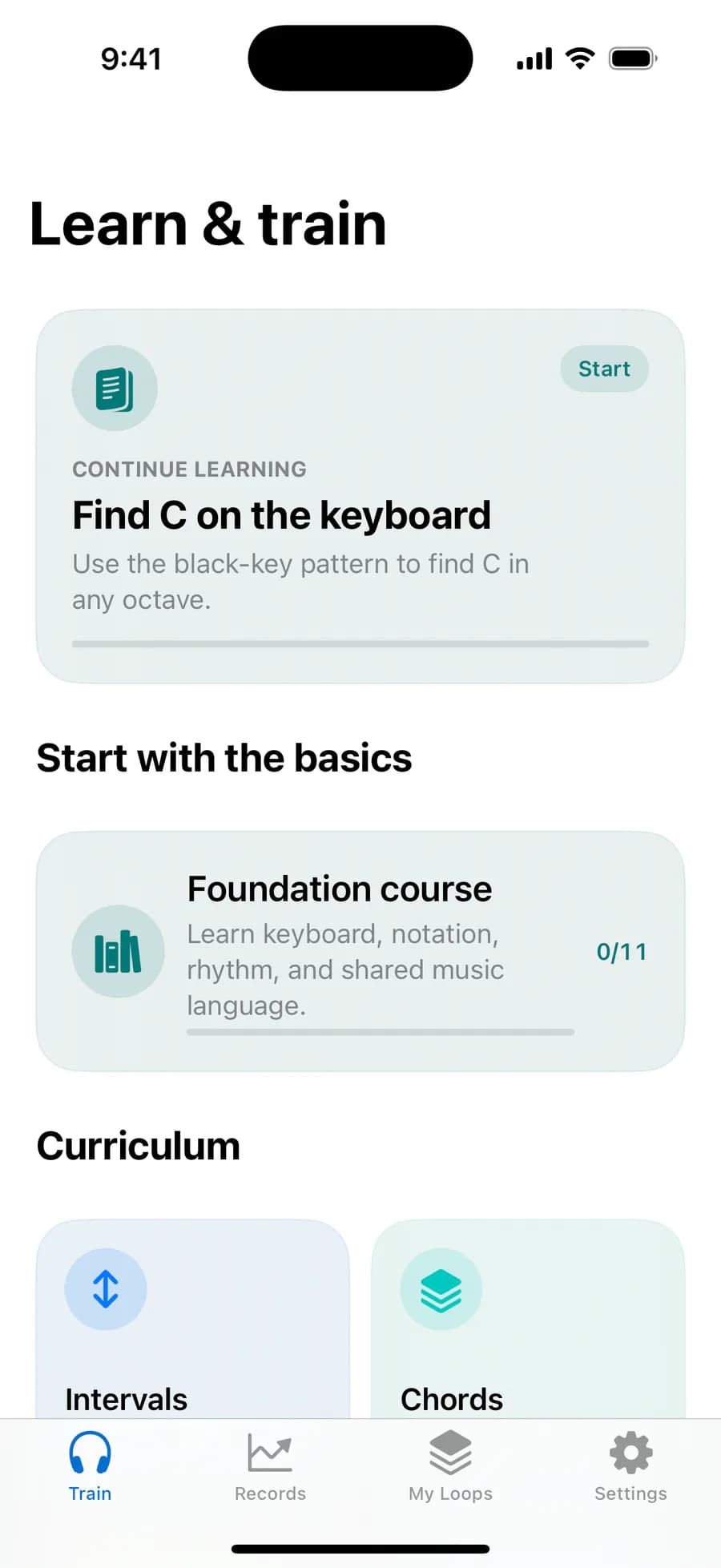
We rebuilt the entire experience so you can understand why music sounds the way it does, then verify it for yourself.
Audio-first sessions for choosing intervals or chords and training through repetition.
Learn the idea, connect sound to notation and keyboard, then answer and check your progress.
Audio, notation, keyboard, and explanation move together on one musical timeline. You can see exactly where each sound appears on the staff and keyboard.
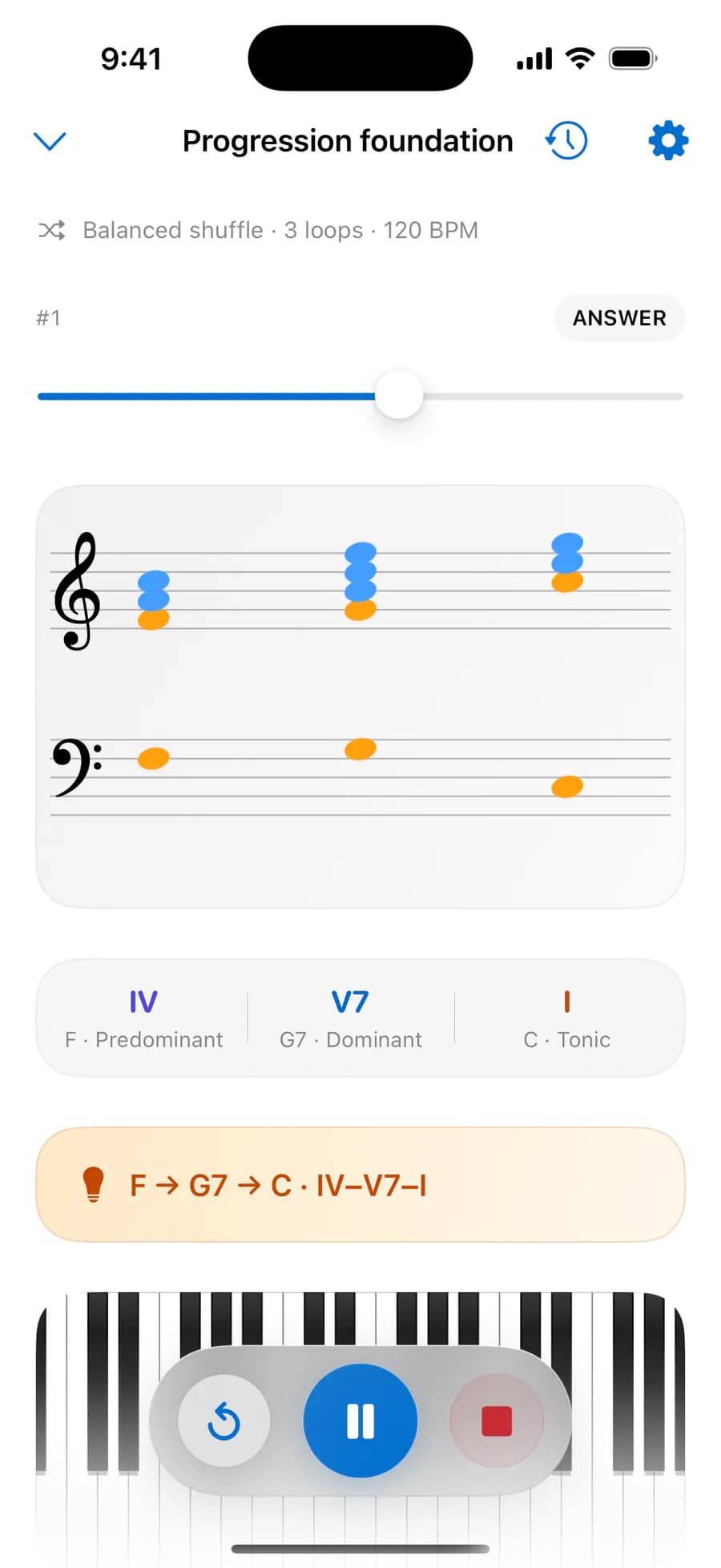
Every lesson follows one continuous path: Learn, Practice, and Challenge. Explanation, practice, and assessment form one connected learning experience.
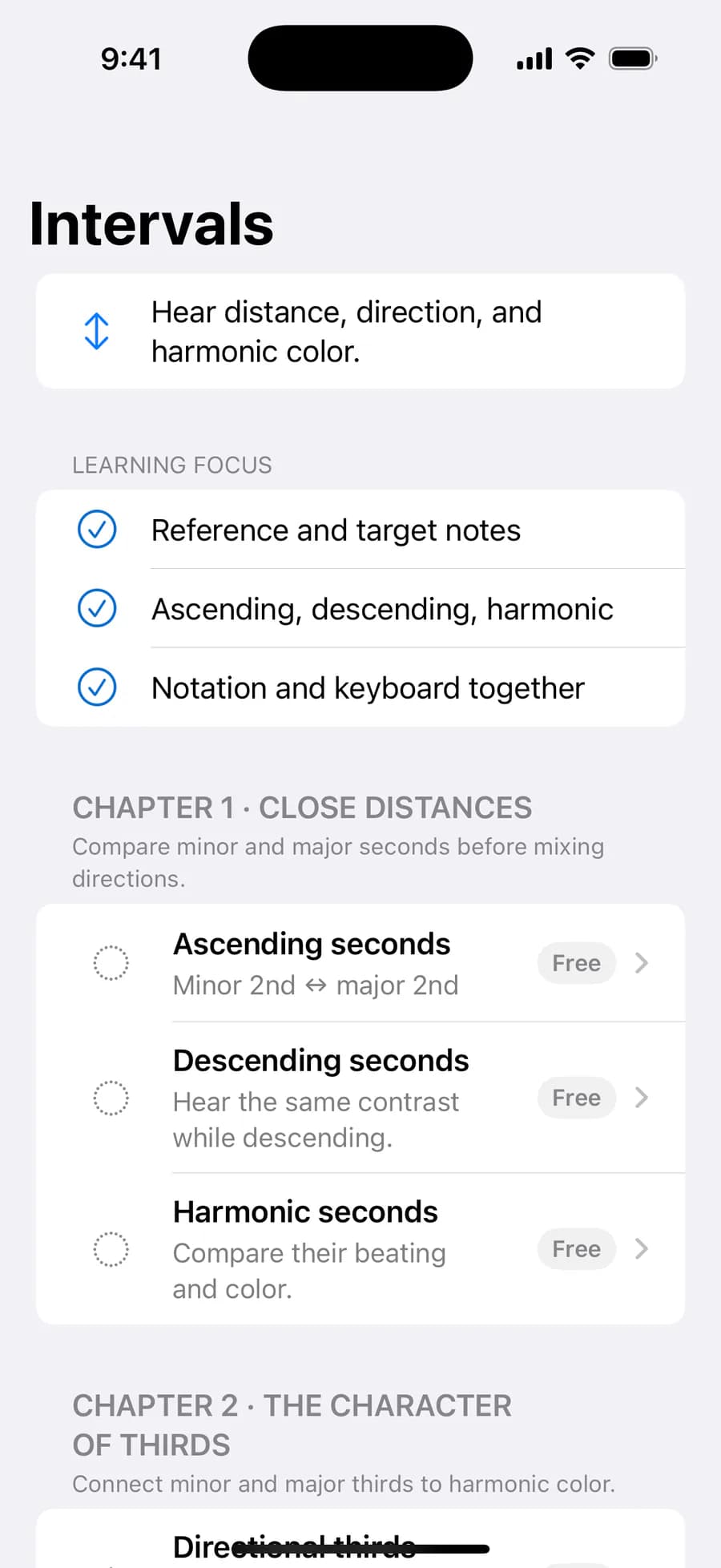
Build each concept from the ground up through short explanations, sound comparisons, notation demonstrations, and notes you can play on the keyboard.
Practice with a reference tone, piano, metronome, and spoken guidance in one repeatable loop, revisiting any point you need.
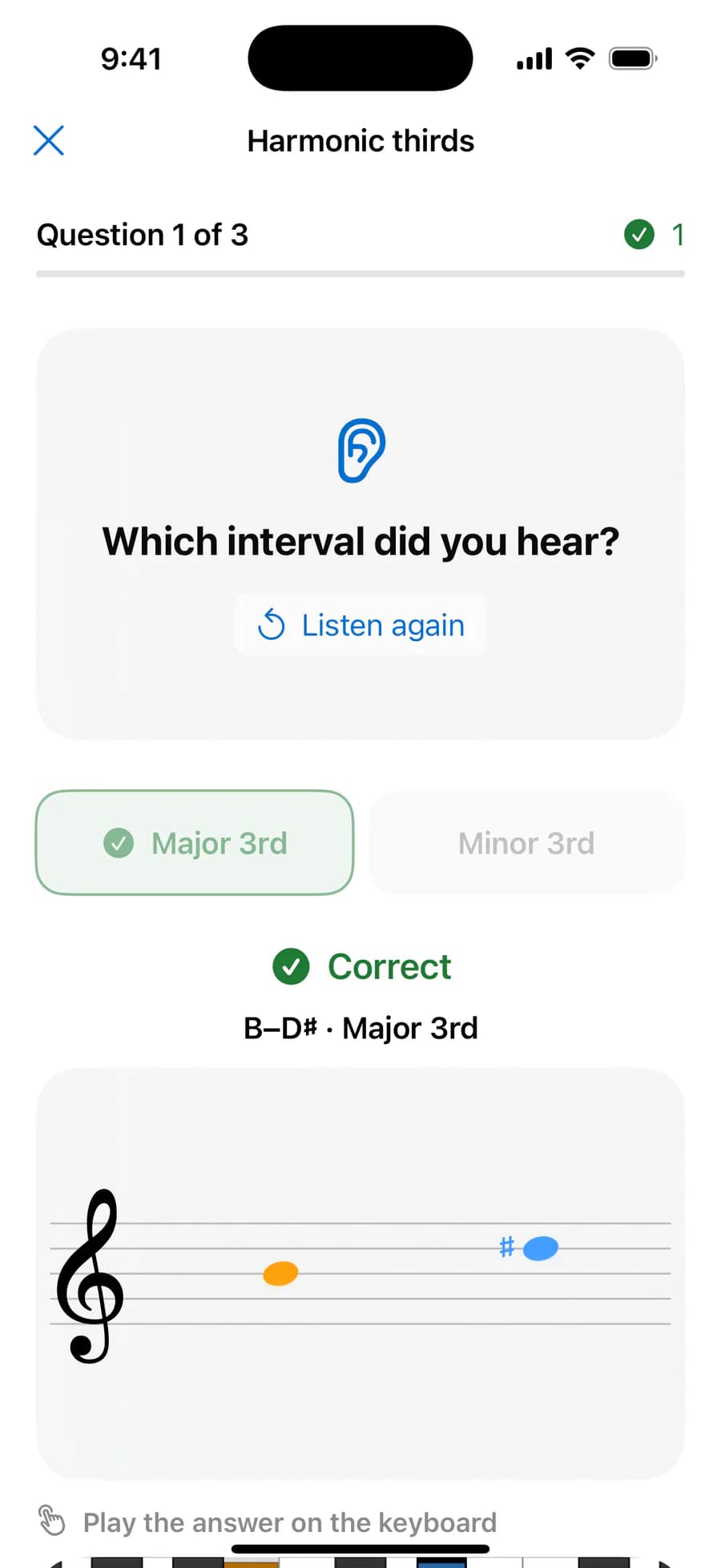
Answer from sound alone, then reveal the notation and keyboard for the exact same question and play it yourself.
Epic Ear does not repeat one quiz format. Each musical subject has its own focus and way of explaining what matters.
Hear distance and direction, then recognize the distinct color of two notes sounding together.
Listen to scale degrees, inversions, seventh chords, and how tensions reshape the harmony.
Follow bass motion, tonic and dominant function, and the direction created by tension and release.
Use degrees and characteristic notes to find the decisive difference between close relatives.
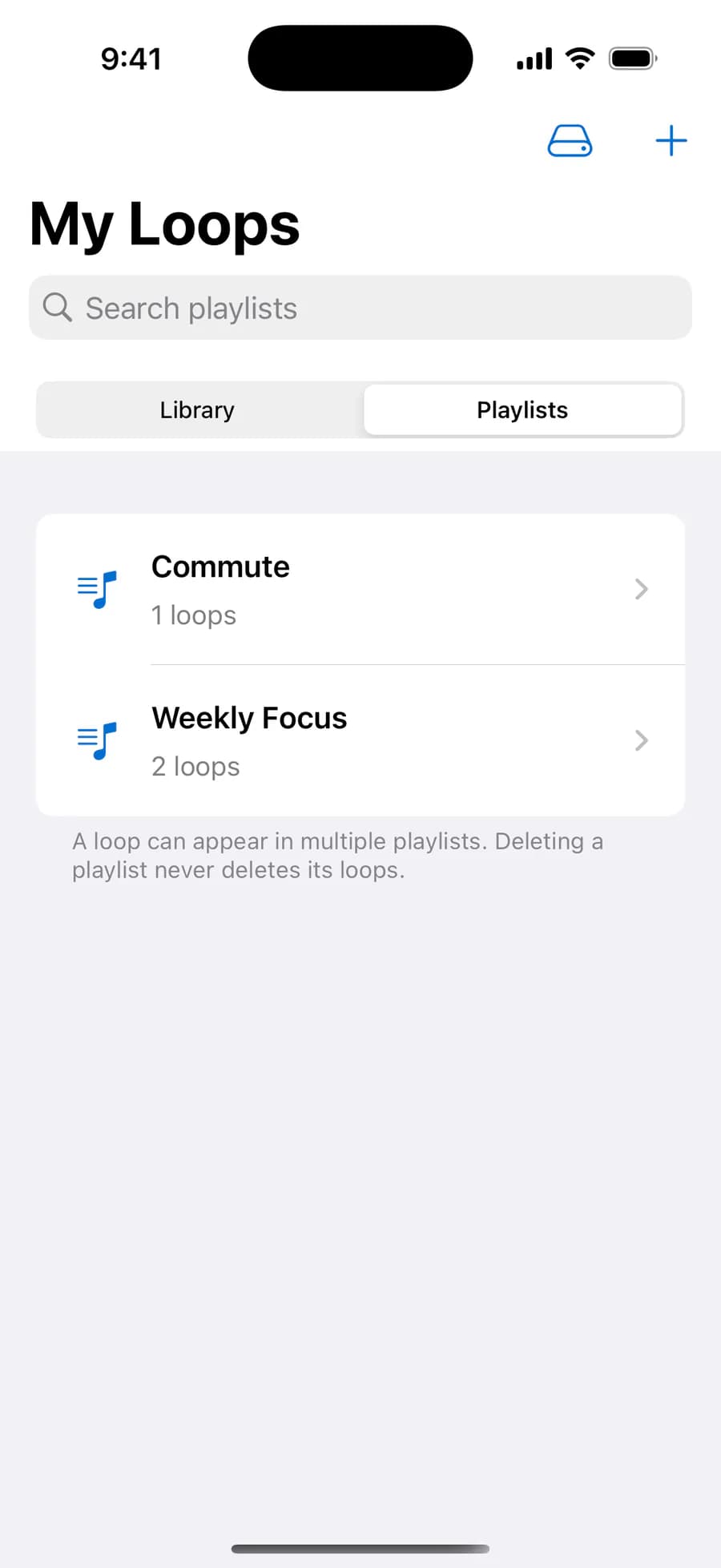
Turn a weakness you discover in a lesson into your own practice. Choose the musical material and how it is played, preview it in the training player, and organize it your way.
Choose the musical material and playback style.
Preview it in the training player.
Organize your loops into folders.
Build playlists for a commute or this week’s weak spots.
Free includes two custom loops; Pro removes the limit. If Pro ends, your extra loops stay safely stored instead of being deleted.
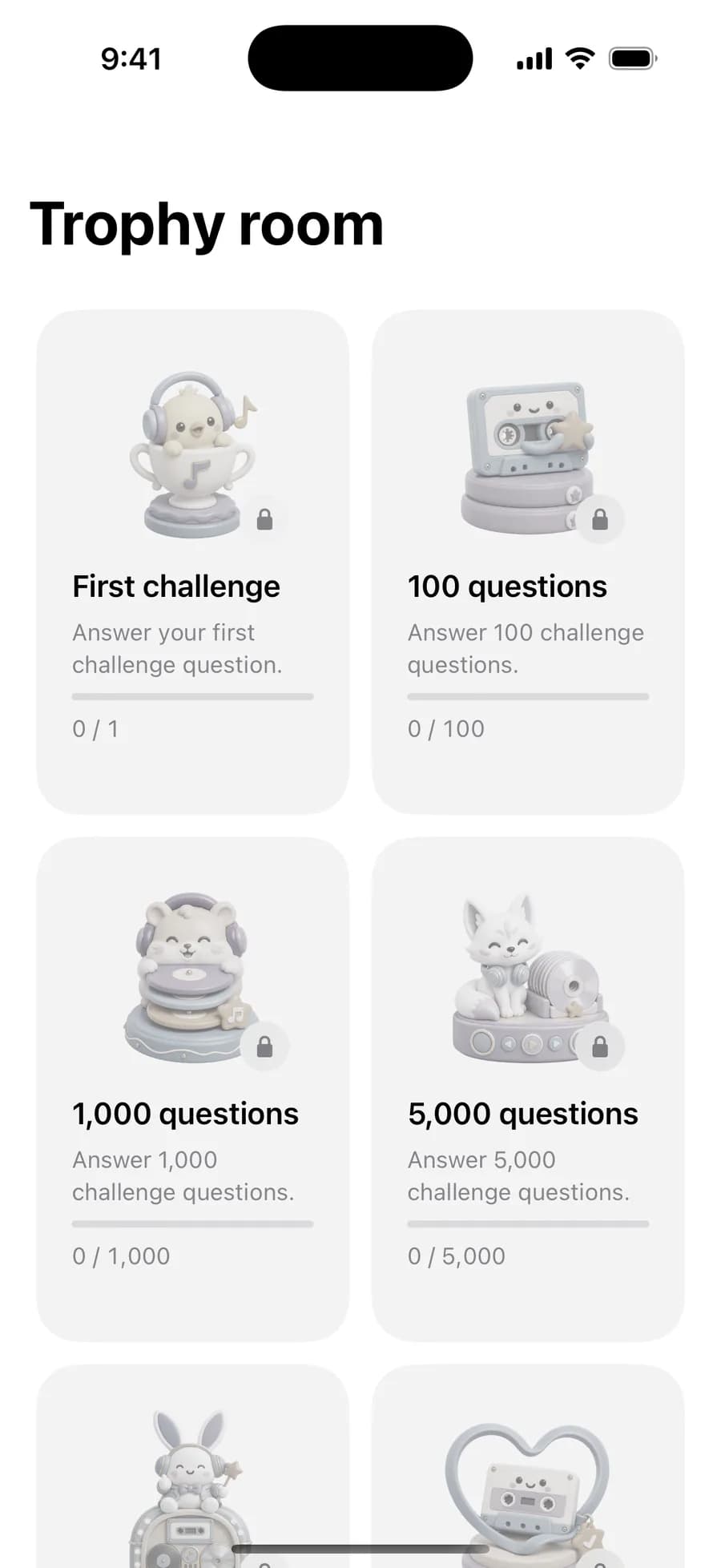
One score does not define your ear. Epic Ear tracks your long-term history alongside recent momentum and recognizes consistency over time.
Even after a rough start, mastery can recover as your recent performance improves.
Epic Ear works naturally on the go and keeps the same learning flow available when looking at the screen is difficult.
Keep sessions moving with background playback and Lock Screen or Control Center controls.
If headphones disconnect, playback will not suddenly switch to the speaker. It resumes smoothly when they reconnect.
Use the interface and spoken music guidance in English, Korean, or Japanese.
The Learn, Practice, and Challenge screens—and chord selection on the keyboard—remain accessible with VoiceOver.
No separate account is required, and your learning data stays on your device.
Free and Pro are clearly defined. Experience the foundations first, then choose based on how far you want to go.
Your extra loops are never deleted when Pro ends.
START LISTENING DIFFERENTLYWhether you’re new to music theory or want to understand familiar sounds more deeply, start your own learning path with Epic Ear 2.0.
Get Epic Ear on the App StoreEpic Ear requires no separate account, and the developer cannot access your learning data.