Your writing stays inside one app.
Other tools cannot use it without an export, and leaving the app can mean leaving the document behind.

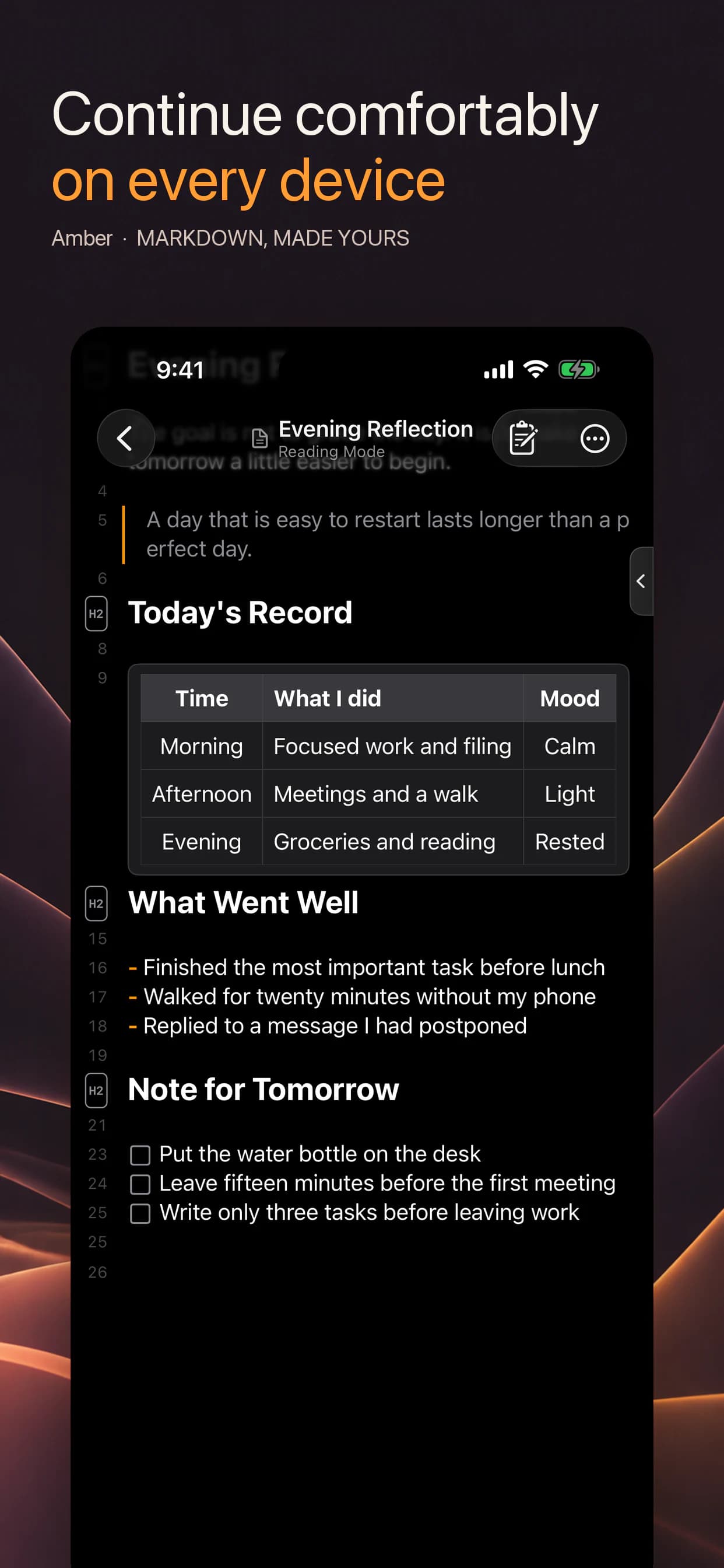
Keep standard Markdown files in iCloud Drive and move between focused reading and writing. Start on iPhone, then continue the same sentence on iPad or Mac.
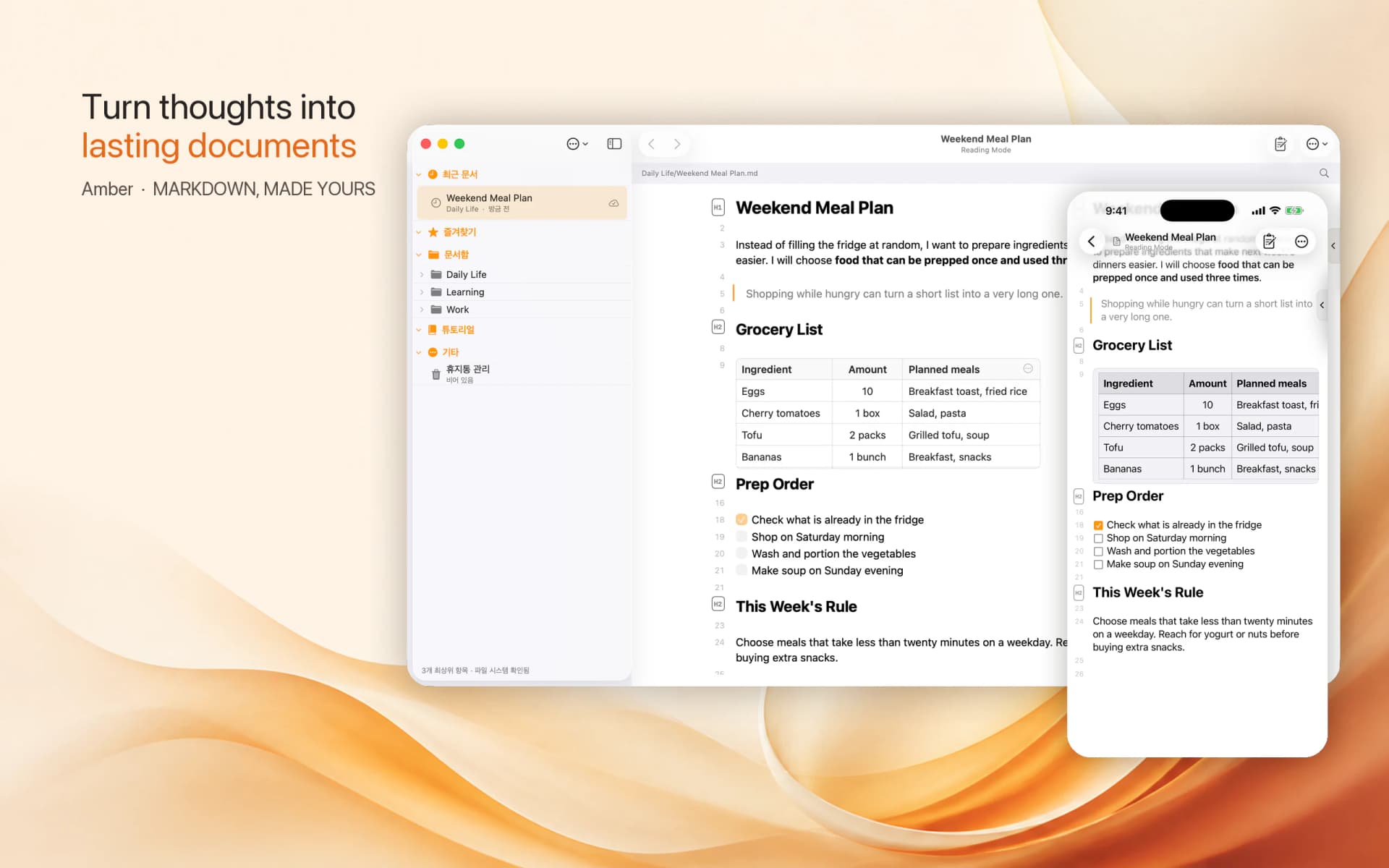
Every Amber document is an ordinary .md file. It remains yours when apps change and can be opened with other Markdown tools.
Other tools cannot use it without an export, and leaving the app can mean leaving the document behind.
You know where the file lives and can continue using it across tools and devices.
From creating a document to finding a long note again, everything follows one file-based flow.
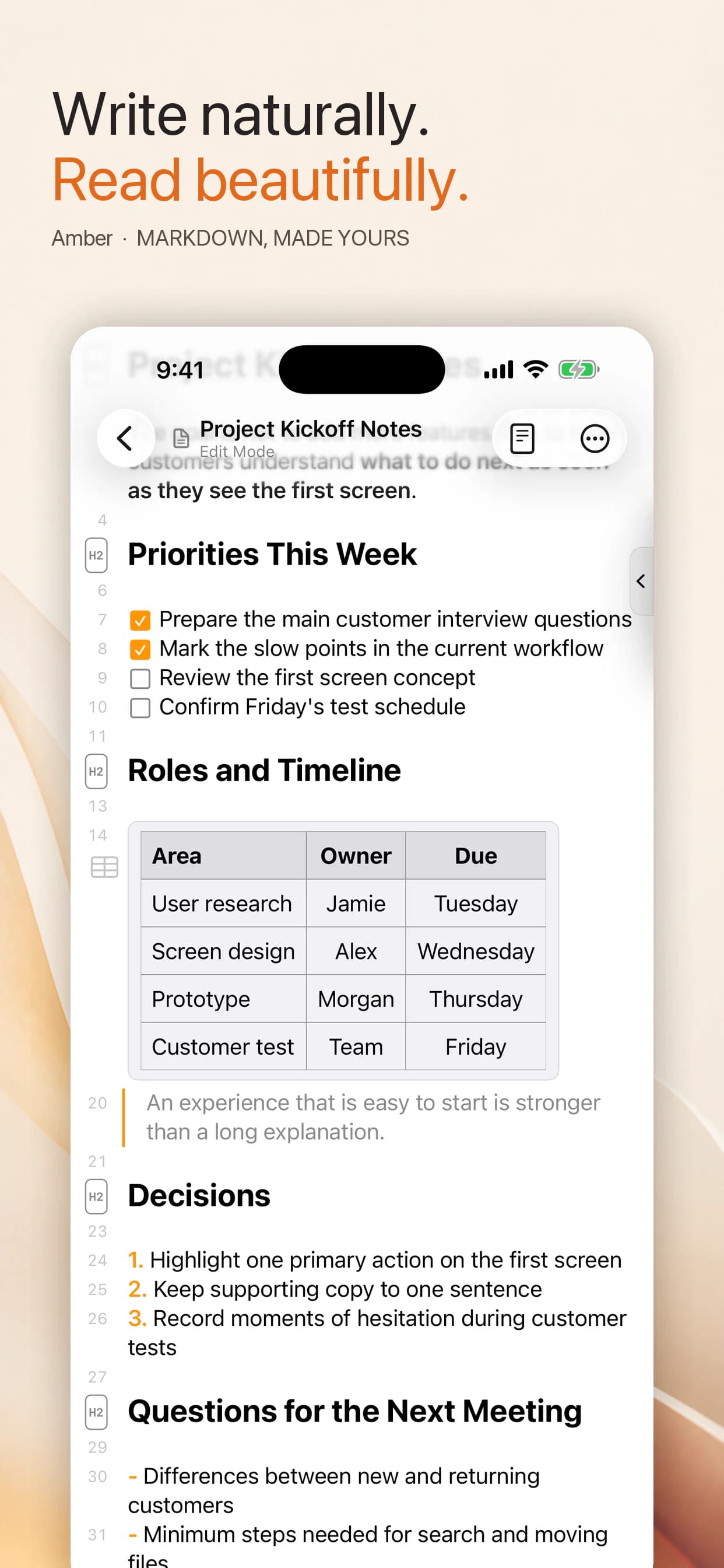
Navigate long writing, find the file you need, and recover from an unwanted edit.
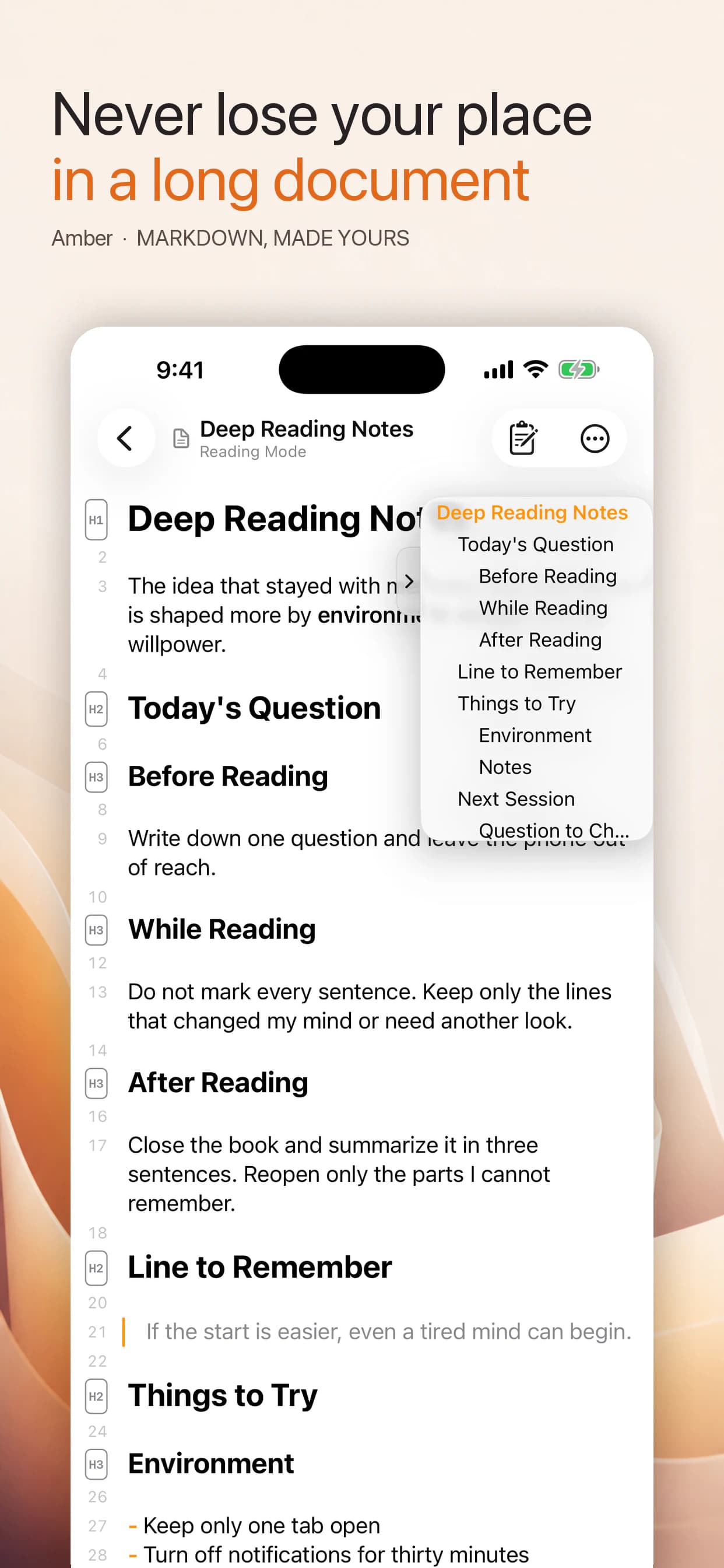
Use heading structure and line numbers to find the right place, then switch between reading and editing without losing context.
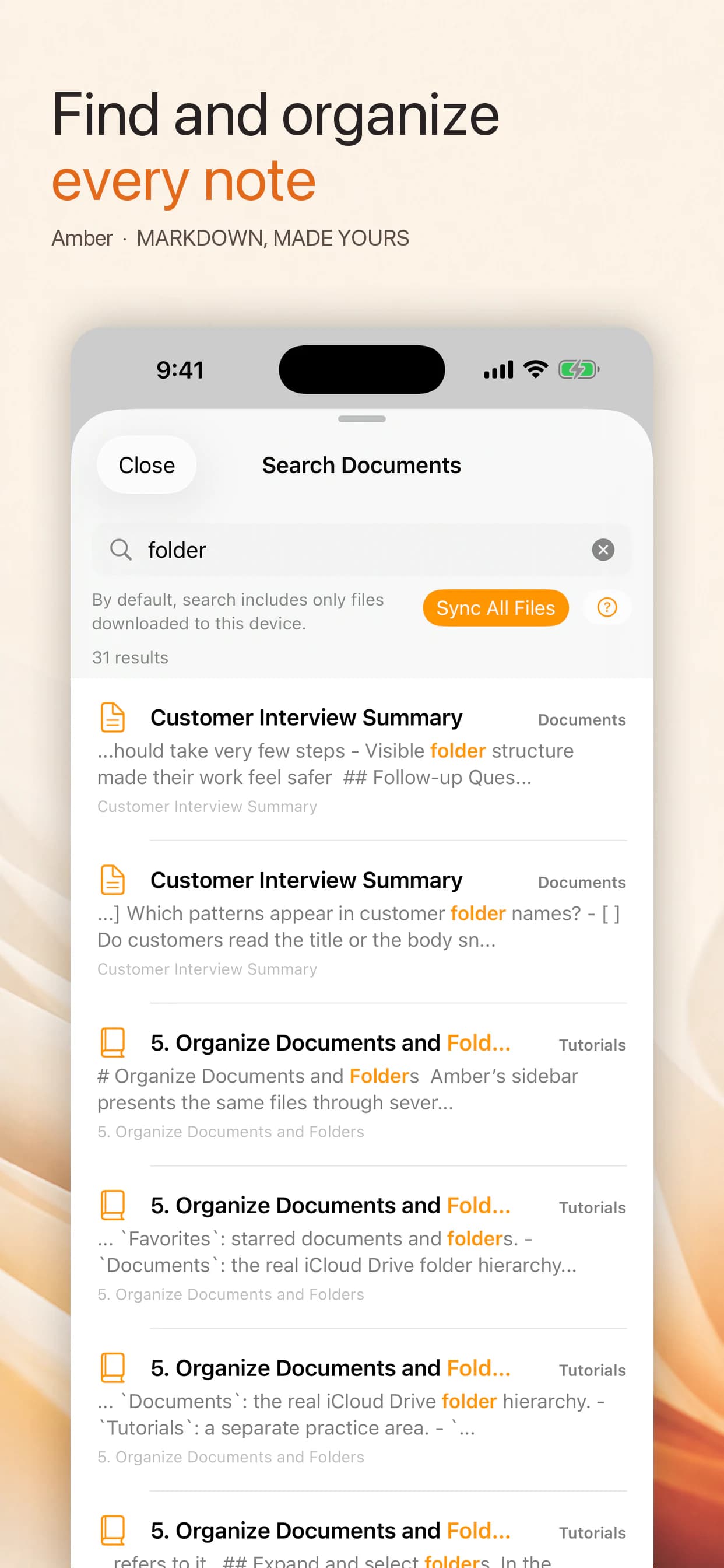
See recents, favorites, and folders together, then use improved search to return to the file you need.
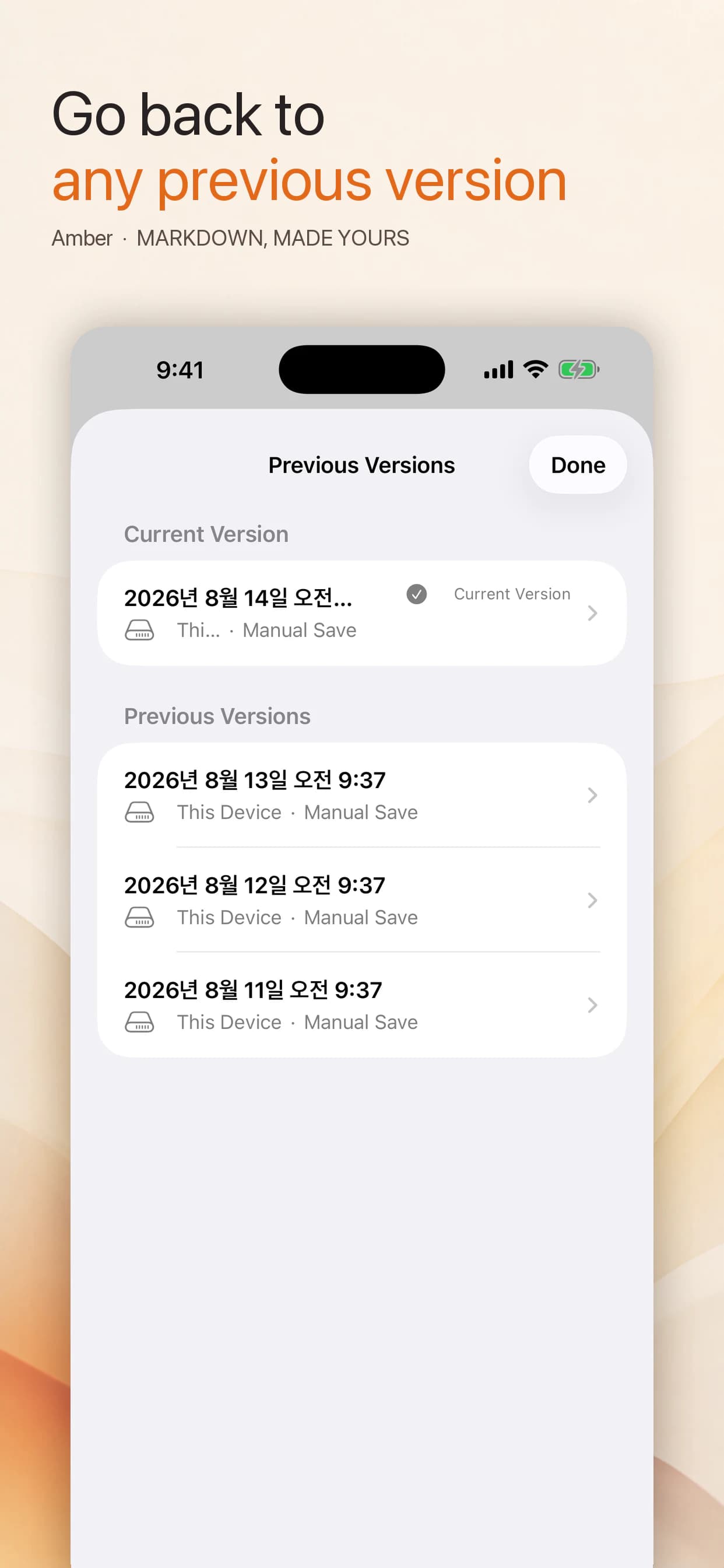
Review document history, compare two revisions, and restore the version you want.
Writing, reading, organization, and recovery stay together so documents remain useful over time.
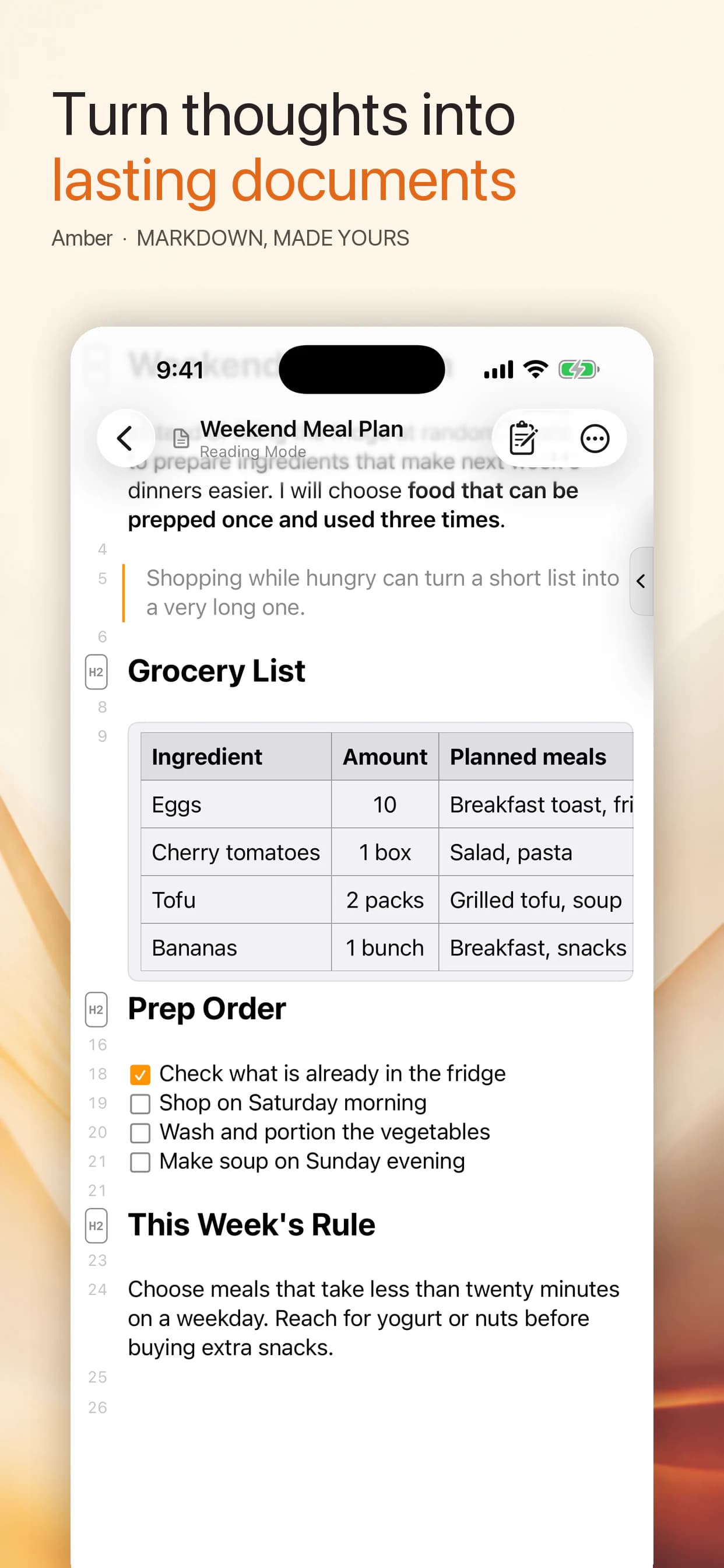
Move between a focused editor and a reading view shaped for finished documents.
Work with tables, images, checkboxes, code blocks, headings, and familiar Markdown syntax.
Return to files through recents, favorites, folders, search, and trash.
Review earlier versions, compare changes, and restore the document you need.
The same file is not simply stretched across screens. Quick capture, spacious navigation, and a desktop editing workspace each get the right density.
Amber does not require a service account or move your writing to a developer-run server. It works around the file space you choose.
Documents remain ordinary files that other Markdown tools can open.
You do not need an account on a developer-operated server.
Document contents and usage records are not sent to a developer analytics server.
The interface supports Korean, English, Japanese, and Russian.
Documents and version information are managed on your devices and in iCloud Drive.
AMBER 2.0Start on any device and continue in Markdown documents you can keep and open again.
Download on the App StoreReview how Amber handles data and the terms of use in your preferred language.